
Organize your budgets
Set up budgets around the grants, projects, or departments your team manages.
Multiple funding sources
Give grants, projects, and departments a clear place in your purchasing workflow, with budget context for the people approving spend.
Build these steps into everyday purchasing.
Set up budgets around the grants, projects, or departments your team manages.
Assign purchases to their budgets so approvers can review the funding context.
Use a shared view to understand commitments and the funds that remain.
A look inside ProcurementExpress.
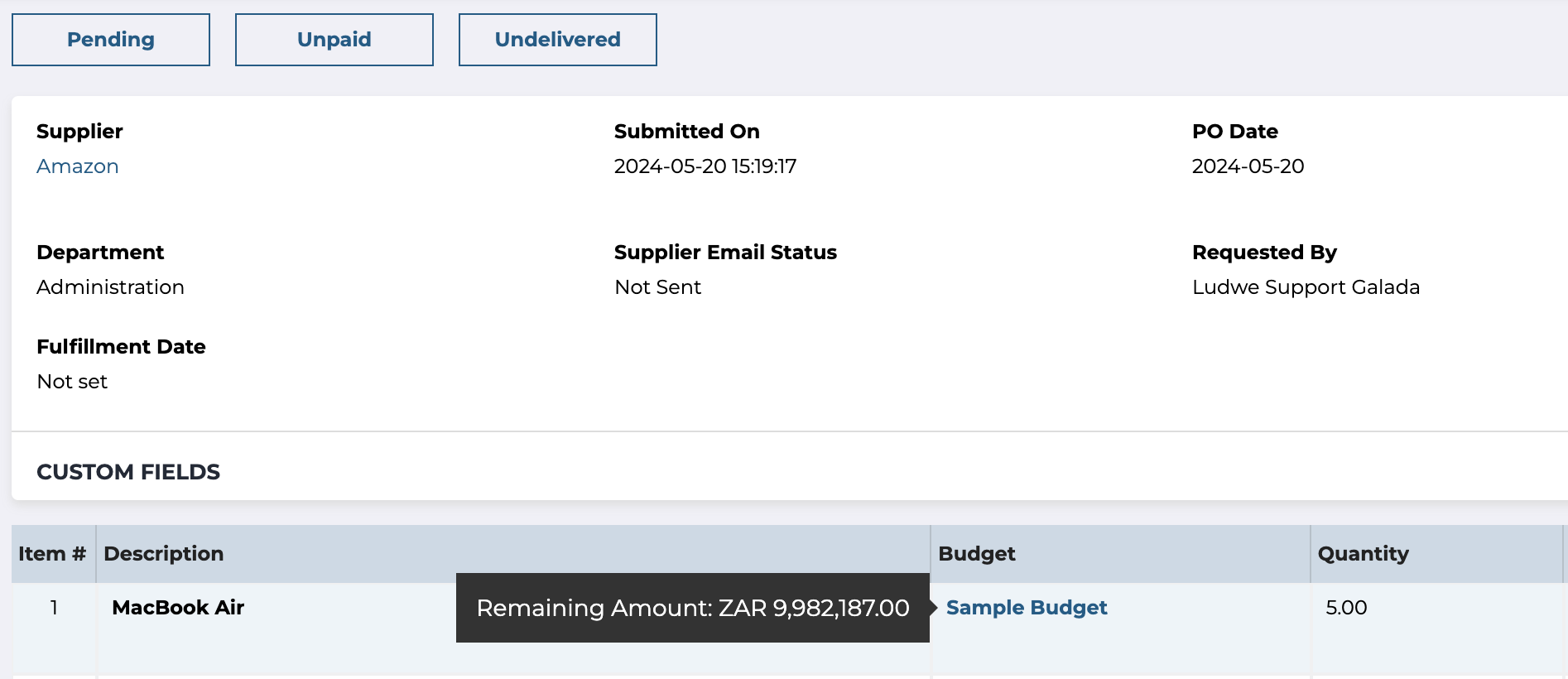
Remaining budget, shown on the order
A practical next step
Explore a guide to organizing budgets across funding sources.
Explore the resource“Helps us to stay in budget and manage our finances.”
Cynthia Pinkerton
Director of Business Affairs
Sunny Glen Children’s Home
SEE IT WITH YOUR TEAM
Walk through your budgets, approvals, and reporting needs with us.