
Give requests a home
Collect purchase details and attachments in the purchasing workflow instead of scattered messages.
Small finance teams
Give requesters, approvers, and finance a shared purchasing process that is easier to follow.
Build these steps into everyday purchasing.
Collect purchase details and attachments in the purchasing workflow instead of scattered messages.
Route requests to the right people and make their status visible.
Explore the QuickBooks integration to reduce repeated entry between purchasing and accounting.
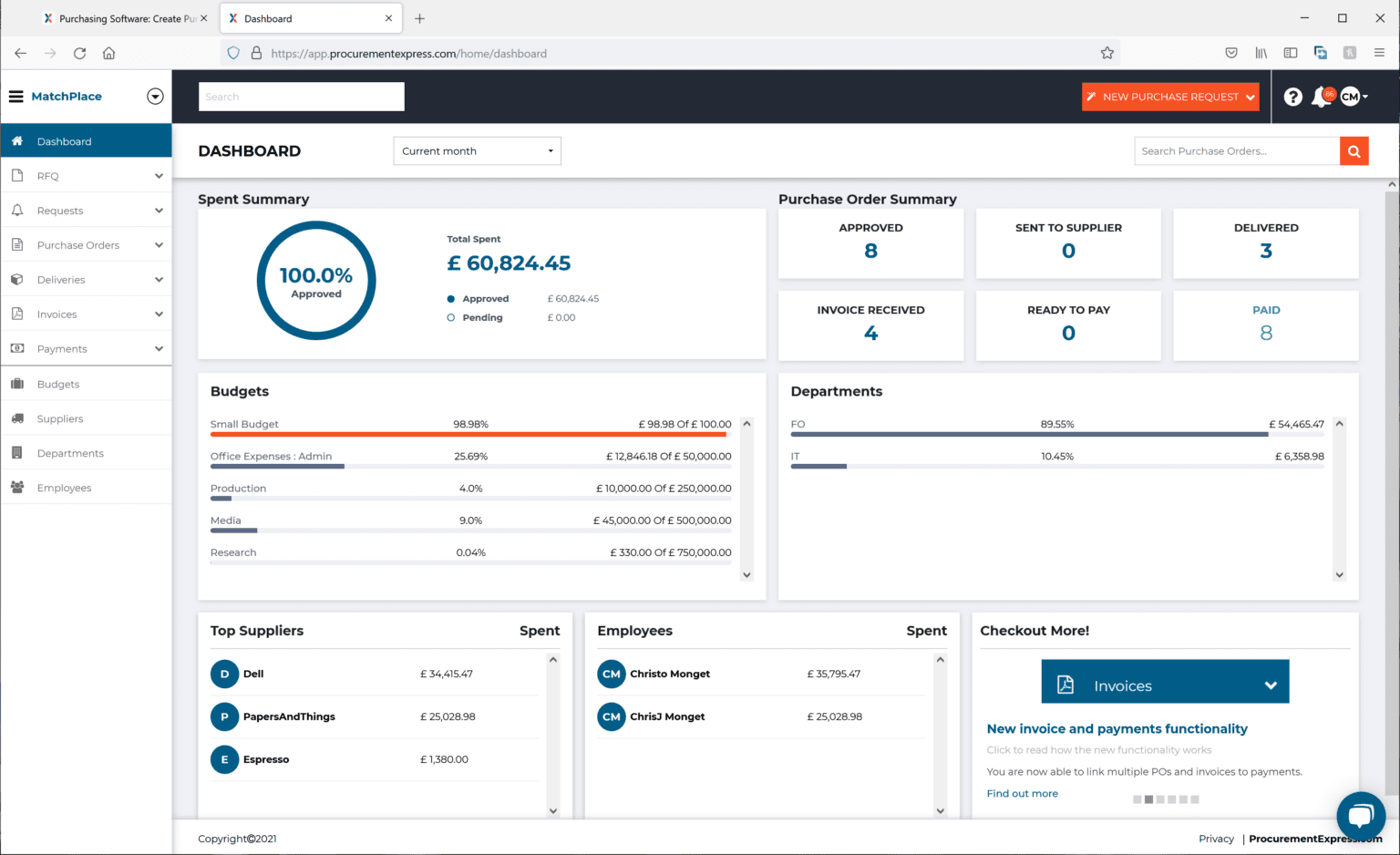
A look inside ProcurementExpress.
A practical next step
Join an open demo and bring a purchasing process you would like to improve.
Explore the resource“Helps us to stay in budget and manage our finances.”
Cynthia Pinkerton
Director of Business Affairs
Sunny Glen Children’s Home
SEE IT WITH YOUR TEAM
Walk through your budgets, approvals, and reporting needs with us.